September 21, 2026
Tutorial Combusto
How to Save Your Favourite Towns and Settings in Combusto
Save the towns you fill up in and see all their prices in one list on the home page, and learn what Combusto remembers between visits.
If you usually fill up in the same few places, such as your home town, your workplace and a town along your regular route, you can save them and compare all their prices in one list on the home page. No account or sign-up is needed.
A note on the interface: Combusto is currently in Spanish. Labels are shown as they appear on screen, followed by their English meaning in parentheses.
Save a town
- Open the page of the town you want to save. You can find it with the search box in the header, or from the home page.
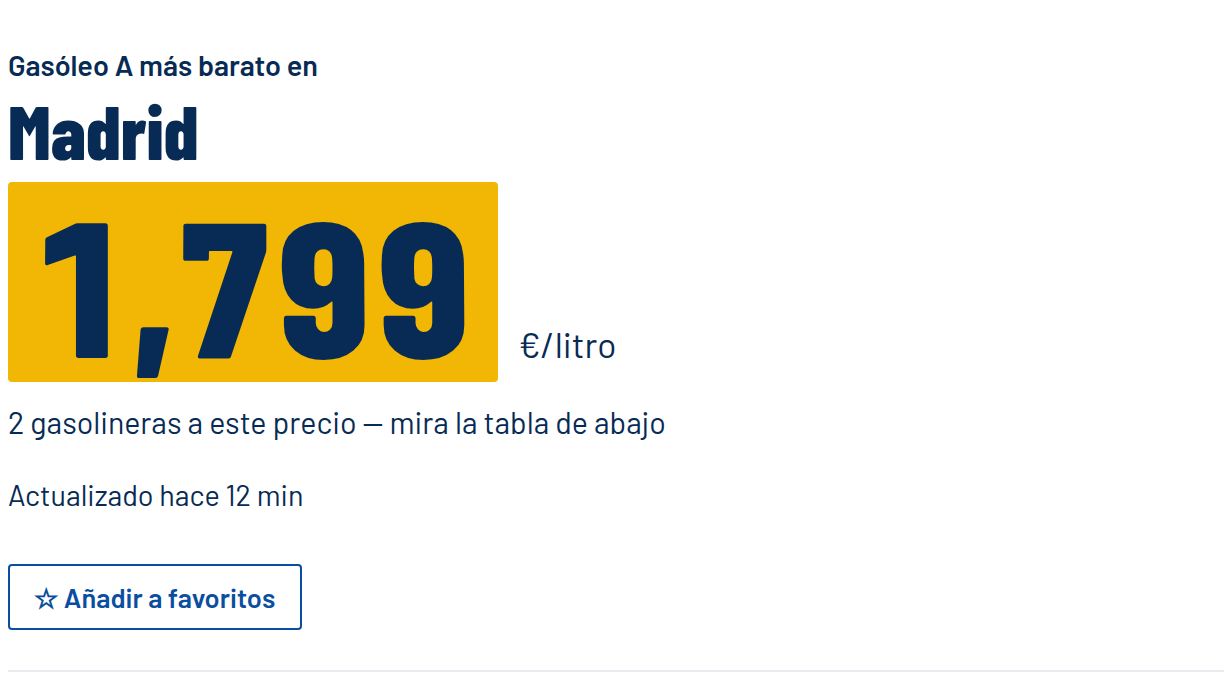
- Under the cheapest price, tap ☆ Añadir a favoritos (Add to favourites).
The button changes to ★ En tus favoritos (In your favourites), which means the town is saved.
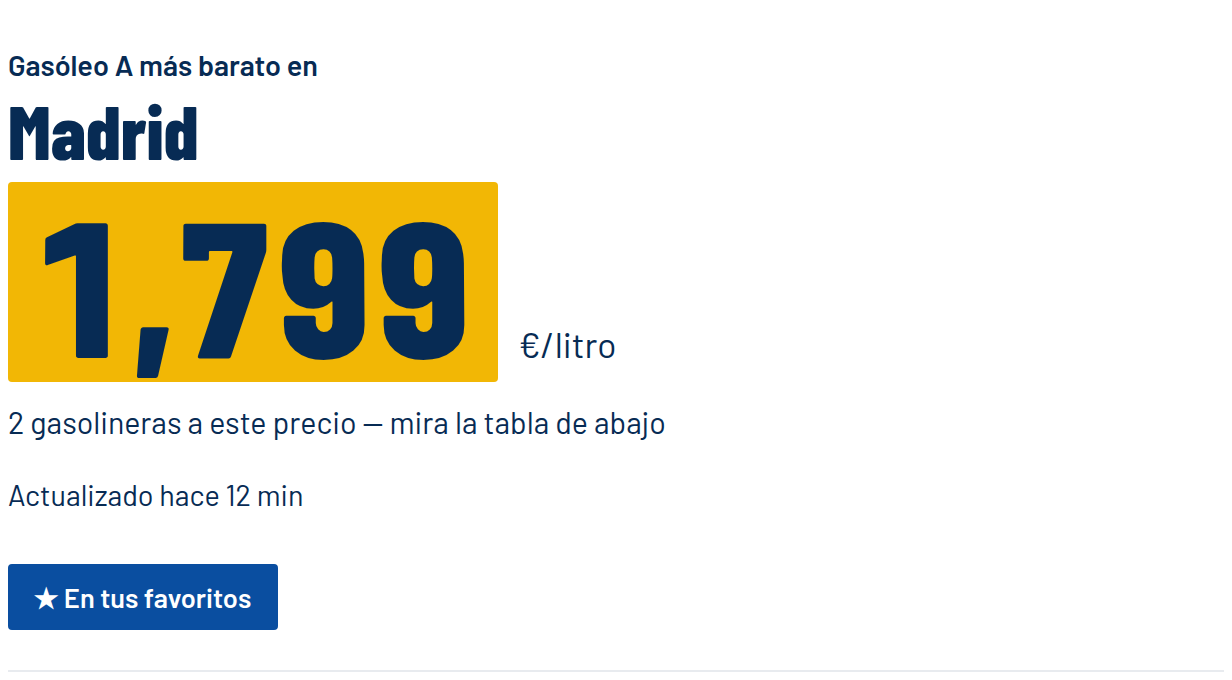
Tap the button again at any time to remove the town from your favourites. Repeat these steps for as many towns as you like.
See all your saved towns together
Go back to the home page. As soon as you have at least one favourite, a section called Tus municipios (Your towns) appears near the top.
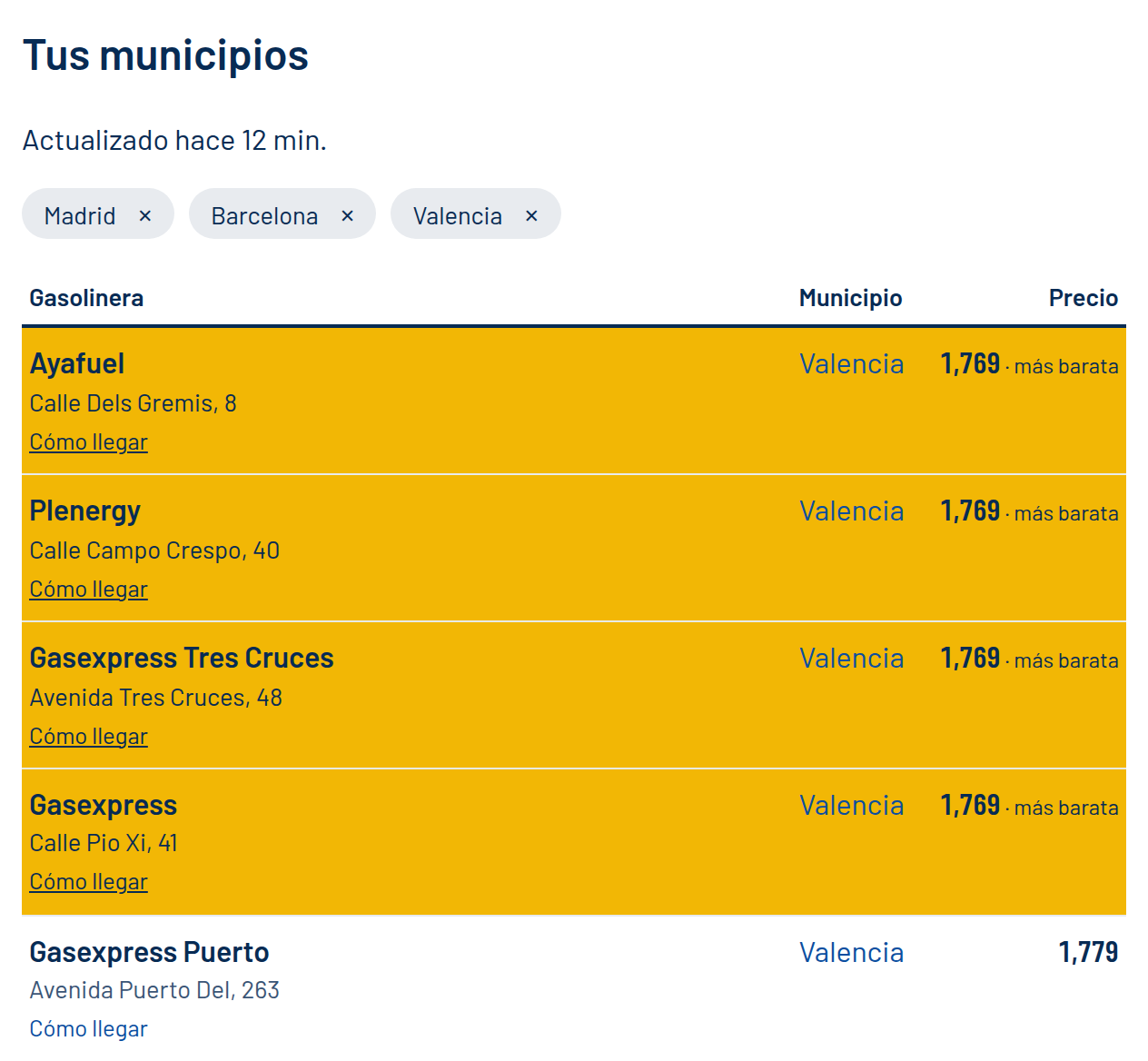
It contains:
- Actualizado hace… (Updated … ago), showing how recent the prices are.
- A row of chips, one for each saved town. Tap the × on a chip to remove that town.
- A table with every station in all your saved towns that sells your selected fuel, sorted by price from cheapest to most expensive. The cheapest ones are highlighted in yellow and tagged más barata (cheapest).
The table has the same columns as the other lists: Gasolinera (Station) with its address and a Cómo llegar (Get directions) link, Municipio (Town), which links to that town's page, and Precio (Price).
Change the fuel in the header selector and the list updates straight away. If you have no favourites saved, this section doesn't appear.
Tip: the list includes every station in each saved town, so with big cities it can get long. Save the smaller towns you actually visit, or scroll only as far as the first few rows to find the cheapest.
What Combusto remembers
Besides your favourite towns, Combusto remembers two more choices so you don't have to make them again:
- Your fuel: the one you last picked in the header selector (Gasóleo A, Gasolina 95, Gasolina 98 or GLP). It applies on every page.
- Your search radius: the one you last picked in the Radio selector on the home page (5, 10, 25 or 50 km).
Where is it saved?
Everything is stored in your own browser, on the device you are using. That has a few consequences:
- It is not tied to an account. Nothing is sent to Combusto's servers, and nobody else can see your list.
- It is not shared between devices. Favourites saved on your phone won't appear on your computer, or in another browser on the same phone.
- It can be lost. If you clear your browsing data or site data, the list is deleted. In a private or incognito window, it may not be kept once you close it.
If your favourites disappear, save your towns again with the steps above.